









4G GPS Tracking Smart Watch For Students/Children
Original price was: NZD $349.95.NZD $249.95Current price is: NZD $249.95.

Description
Product Description:
The 4G network version:GPS+ WIFI+LBS +AGPS positioning, Locate more accurate;
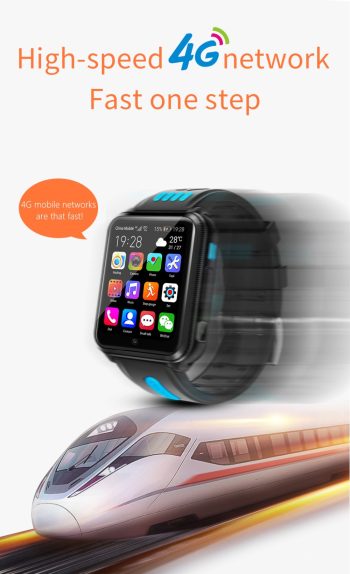
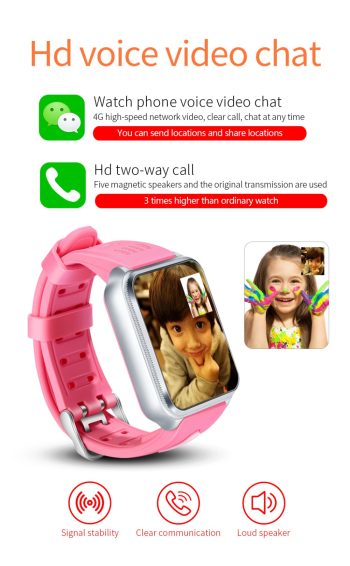
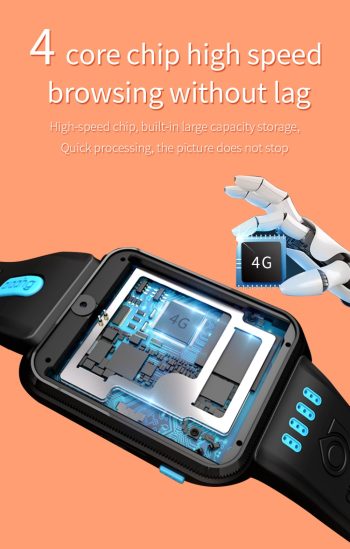
The 4G network version: 4G Network, VOLET Video call, Voice call, remote monitor, access internet by WI-FI , LTE GPRS Data. connect faster and more stable;
Call function: GSM, TD-LTE-VOLTE video call (both sides need to open this function, and the network has prompted VOLTE icon);
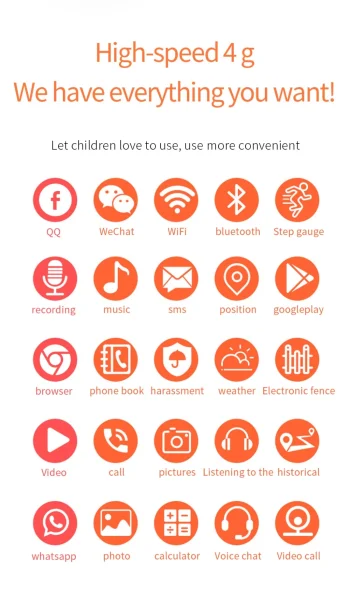
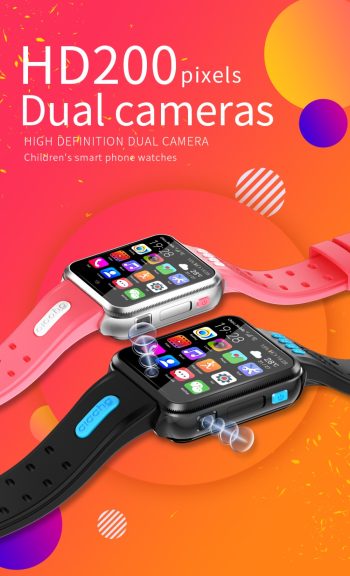
Supports WeChat, with 2.0 million cameras, supports video calls.
WATERPROOF: lift waterproof design, you can wear it when you are washing your hands or place it on the seaside.
1.54 Inch HD colour touch screen, full fit IPS display, explosion-proof crack, drop-resistant scratch-resistant, waterproof, dustproof, 320 * 320 resolution;
The watch supports health monitors as a pedometer, history tracking, and sleep monitor as an interesting learning APP.
Let children have a safe and funny childhood.
Sample math games, Exercise your child’s learning ability
Materials: Food-grade silicone strap, anti-static, dust-proof, and sweat-proof.
The 4G network version watch Supports WI-FI Access and Bluetooth connection.
This 4G network watch supports languages from countries including Deutsch, English, Spanish, French, Italian, Thai, Polish, Portuguese, Turkish, Russian, Chinese, etc.
Supported network system:
- The 2g watch only supports 2G network band
- The 4g watch support 2G,3G and 4G network band)
2G:GSM:850/900/1800/1900MHz
3G:WCDMA :B1(2100MHz),B8(900MHz)
4G:TDD-LTE :B38 B39 B40 B41
FDD-LTE:B1(2100MHz)/B3(1800MHz)/B7(2600MHz)/B8(900MHz)
Package Details:
Smartwatch * 1
User manual* 1(you can scan the Qr-code to read or download the User Manual)
Original box * 1
Charge Cable * 1
NOTE:
Please confirm before logging in to google play whether you can use google related services in your country. Some countries’ network providers have blocked google’s services, so they can’t log in to the google play store. This will not be able to download the app from google play to the watch. You can download the local app market by following the steps below:
Step 1: Download the local android application market installation file by the computer;
Step 2: Connect the watch and computer with the data cable and transfer the app package to the watch (or send the file to the watch via Whatsapp);
Step 3: turn on the phone, find the corresponding installation package, and click to install the app (app market);
Step 4: After the installation is complete, enter the local application market, and download and install other apps.
Related products


100Pcs Glow In The Dark Garden Pebbles
Original price was: NZD $73.99.NZD $32.99Current price is: NZD $32.99.

10Pcs/lot Nails Rhinestones Bow Design Manicure Nails Art
Price range: NZD $6.99 through NZD $17.99

11D Protective Glass For iPhones
NZD $17.99

15000Lm LED Zoomable Headlamp
Price range: NZD $47.99 through NZD $82.99

16-Mode TENS Electronic Pulse Massager
Original price was: NZD $164.99.NZD $82.99Current price is: NZD $82.99.

1PC Breathable Car Seat Cover
Original price was: NZD $128.99.NZD $64.99Current price is: NZD $64.99.


